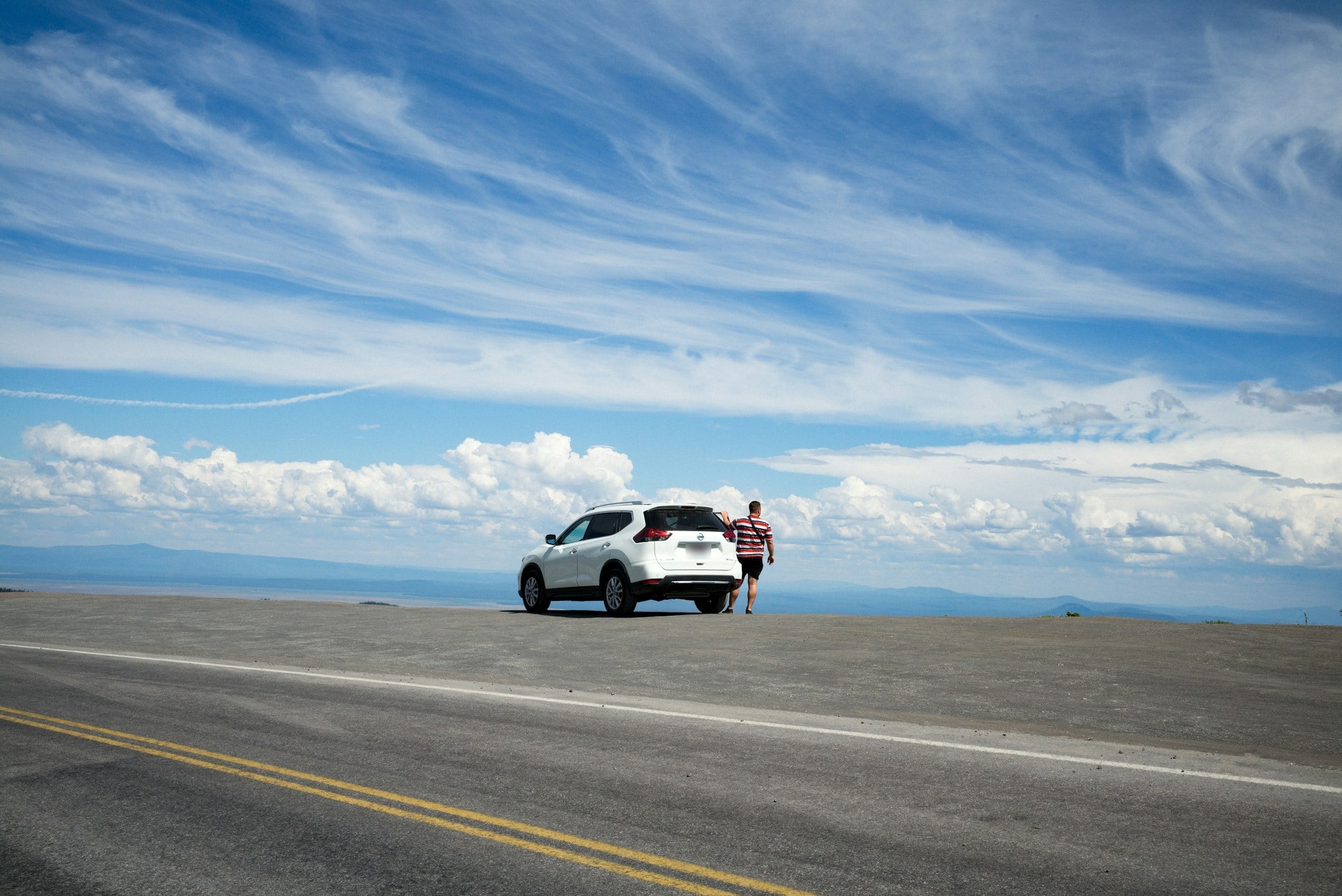
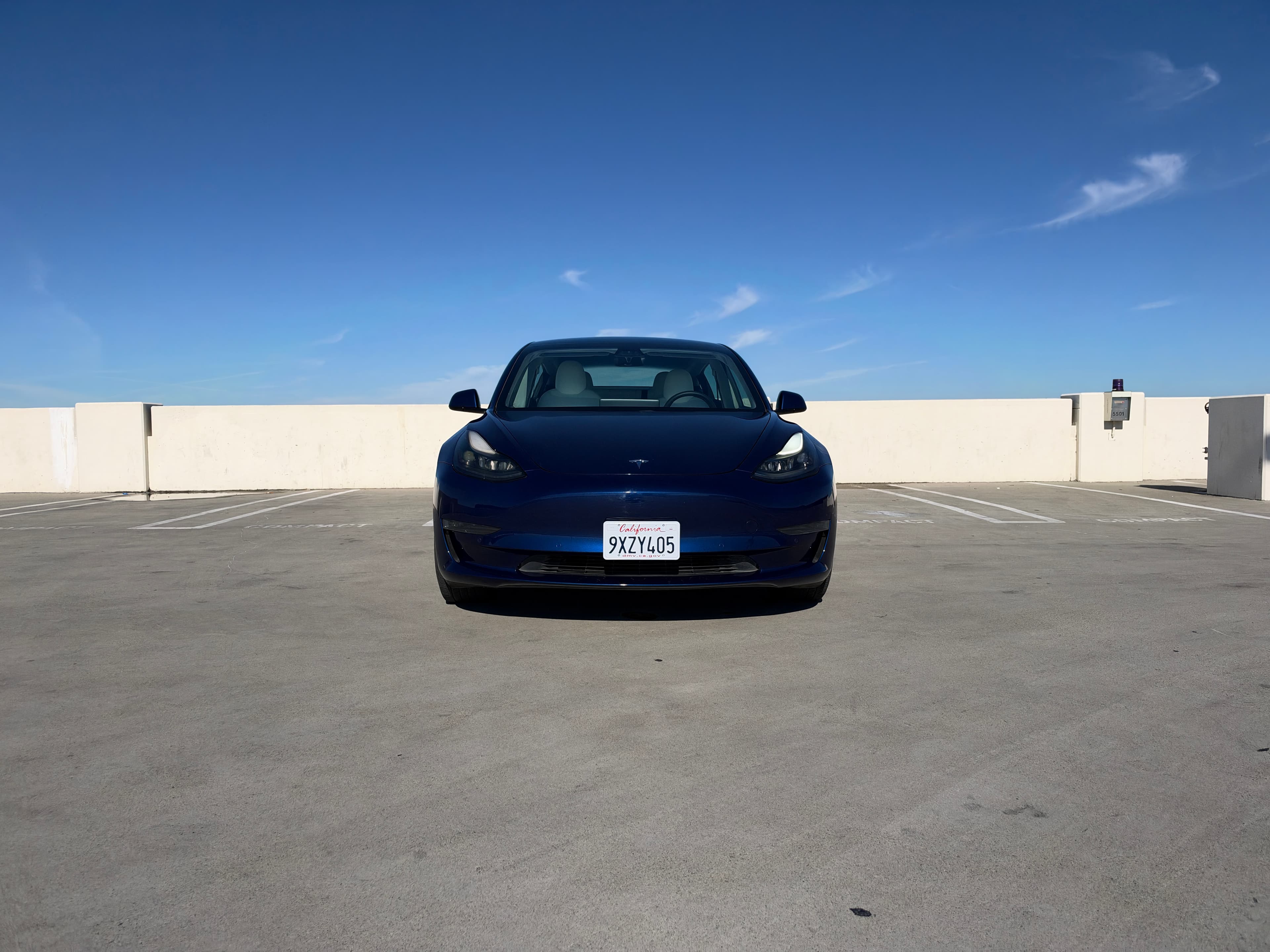
Rent a car from someone local
The car is local.
So is the host.
Book a car from an independent rental business near you, and know who you’re renting from before you pay.
- cars ready to book
- 1,000+
- local hosts
- 240+
- cities and towns
- 260+
Where renters are going
The cities with the most cars on tiveo, and the airports hosts meet you at.
- Fort Lauderdale, FL287 cars · 24 hosts
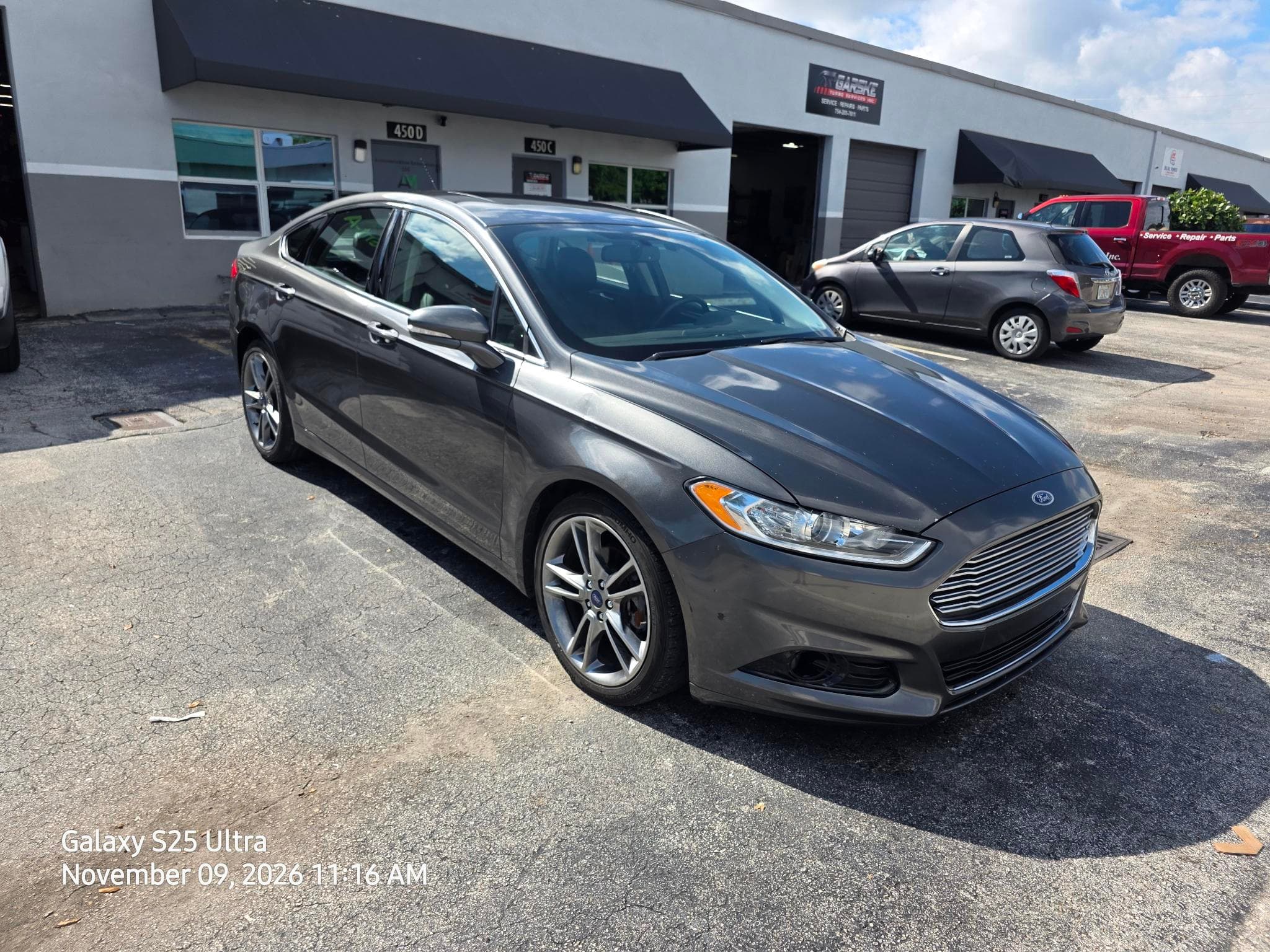
- Miami, FL259 cars · 18 hosts
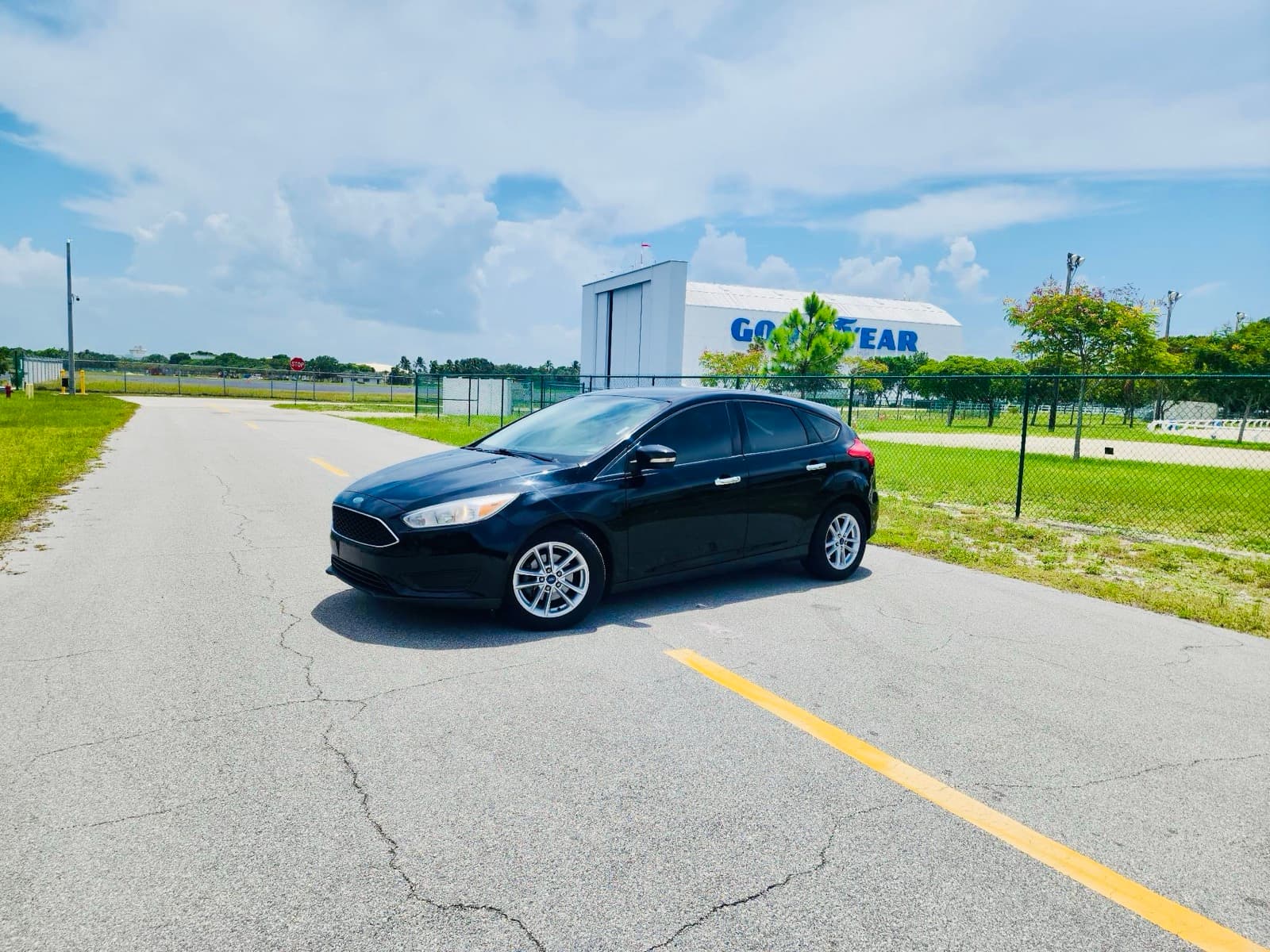
- Dallas, TX141 cars · 12 hosts

- Miami Beach, FL259 cars · 18 hosts

- Bal Harbour, FL269 cars · 21 hosts
More cities
- FLLFort Lauderdale-Hollywood International AirportFort Lauderdale, FL · 222 cars
- DFWDFW Airport Remote South ParkingEuless, TX · 97 cars
- MIAMiami International AirportMiami, FL · 78 cars
- MCOOrlando International AirportOrlando, FL · 55 cars
- PBIPalm Beach International AirportWest Palm Beach, FL · 50 cars
- Palomar Airport / CLDCarlsbad, CA · 40 cars
- SANSan Diego International AirportSan Diego, CA · 40 cars
- BWIBWI Airport Longterm Parking A/BBaltimore, MD · 37 cars
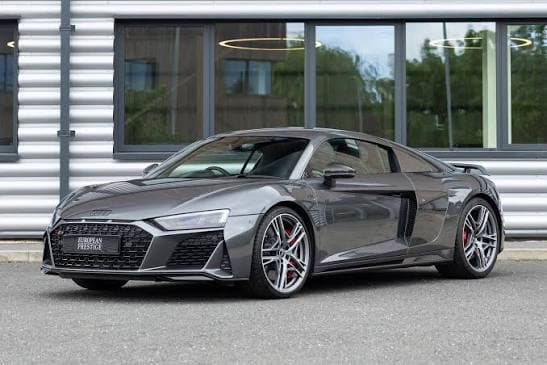
Cars from local hosts
1,742 cars

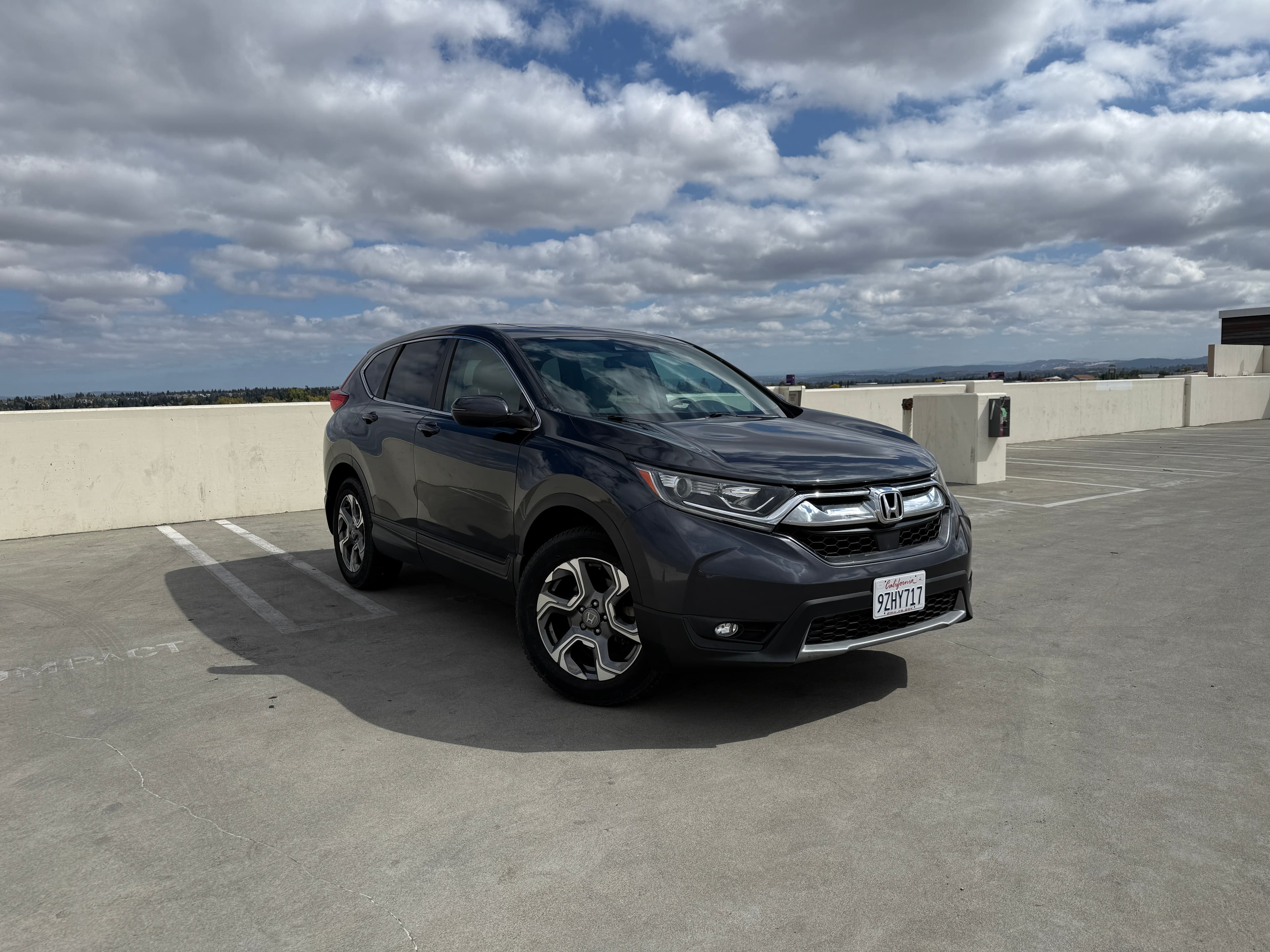


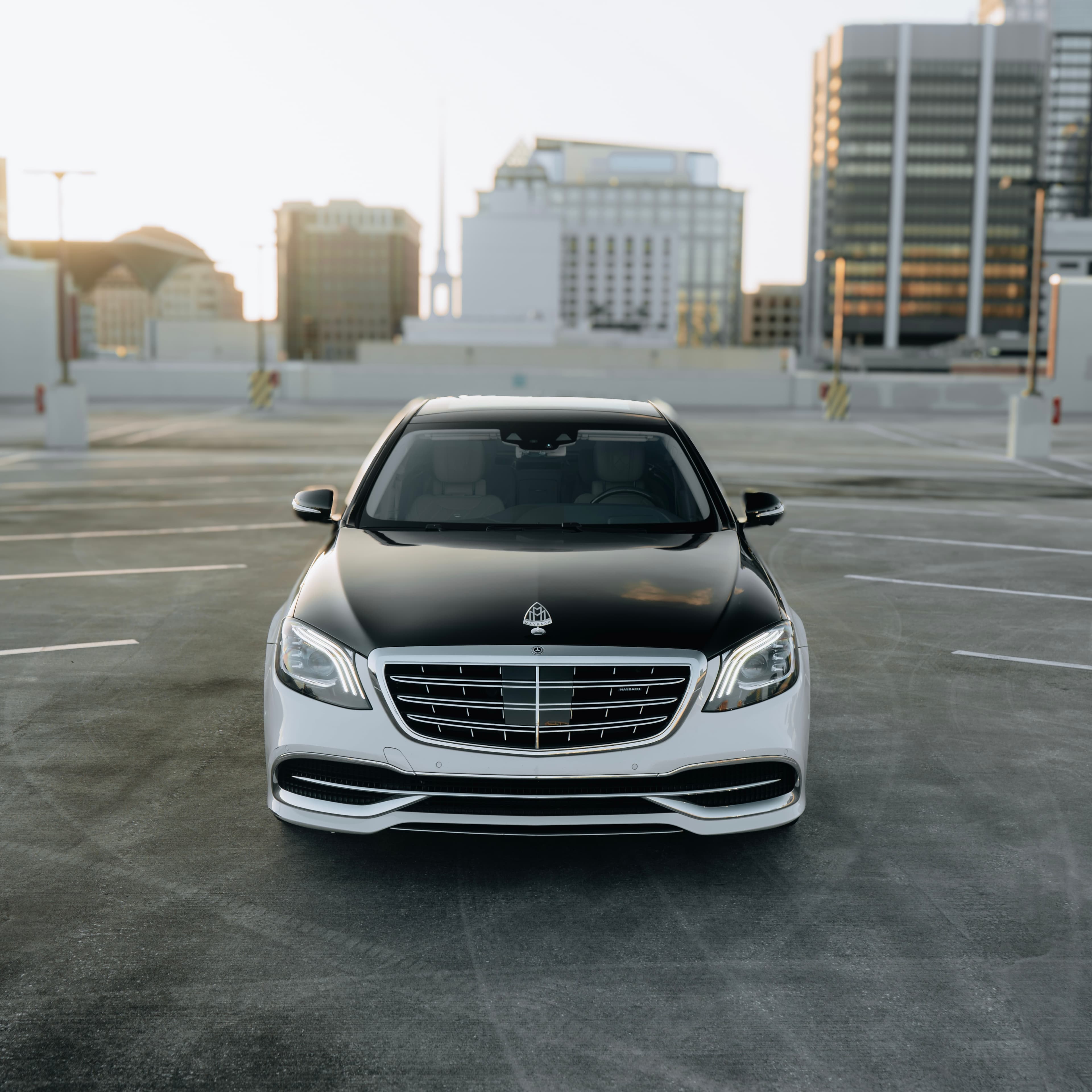
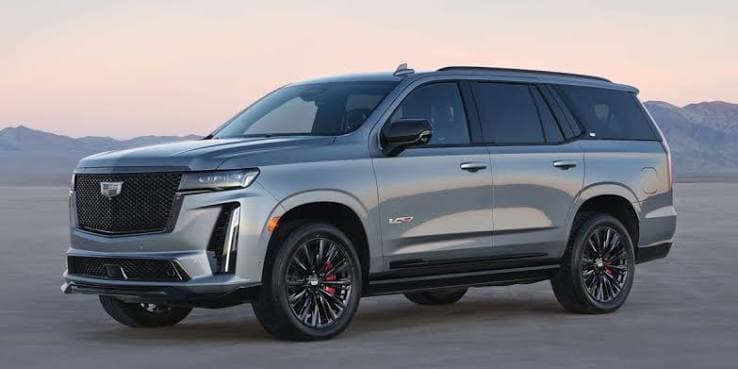
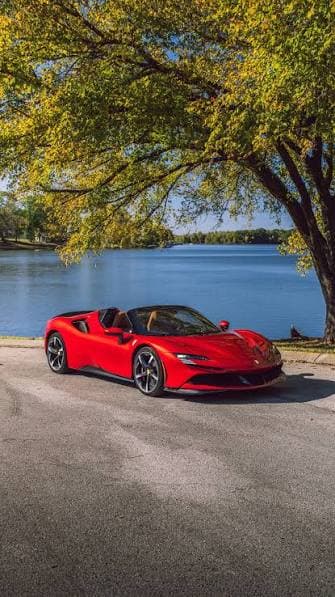
Luxury & exotic
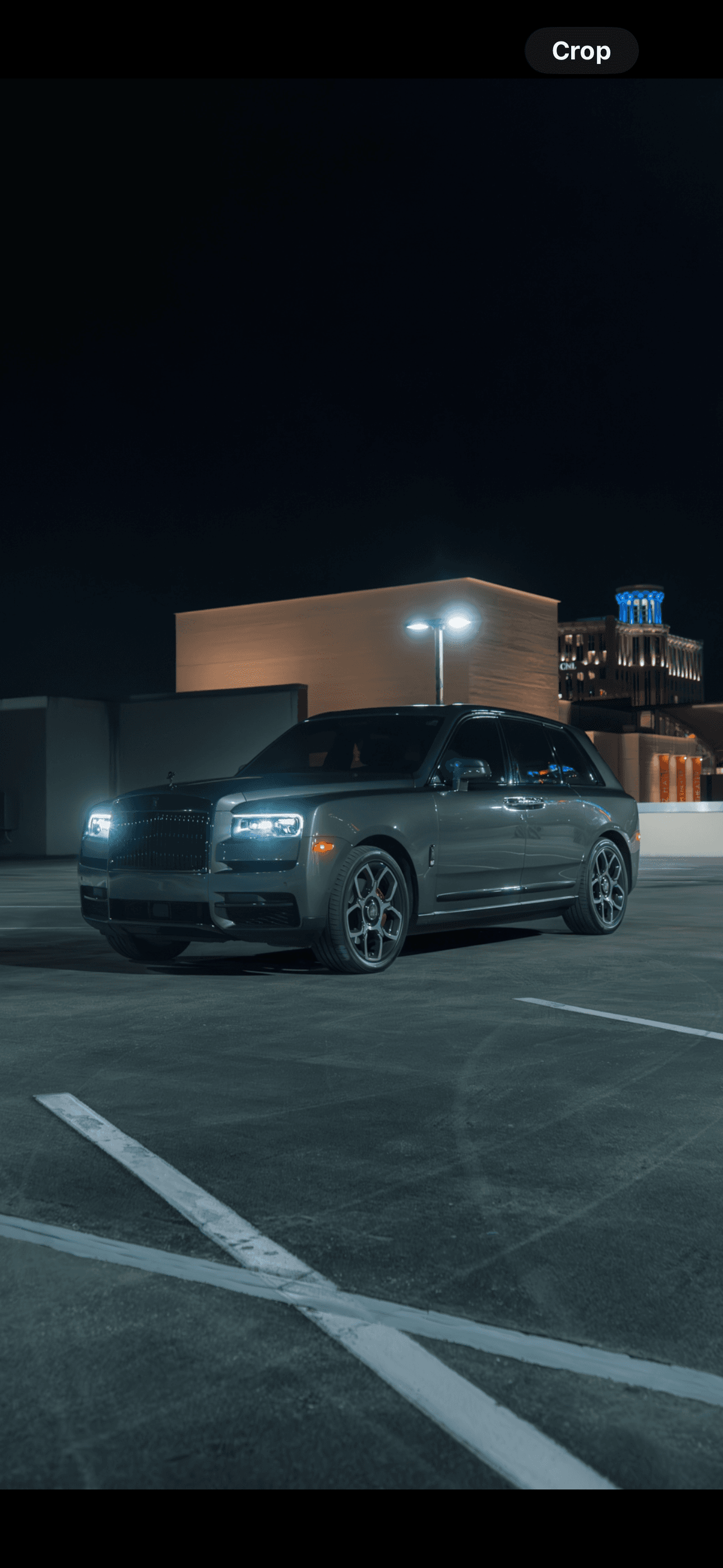
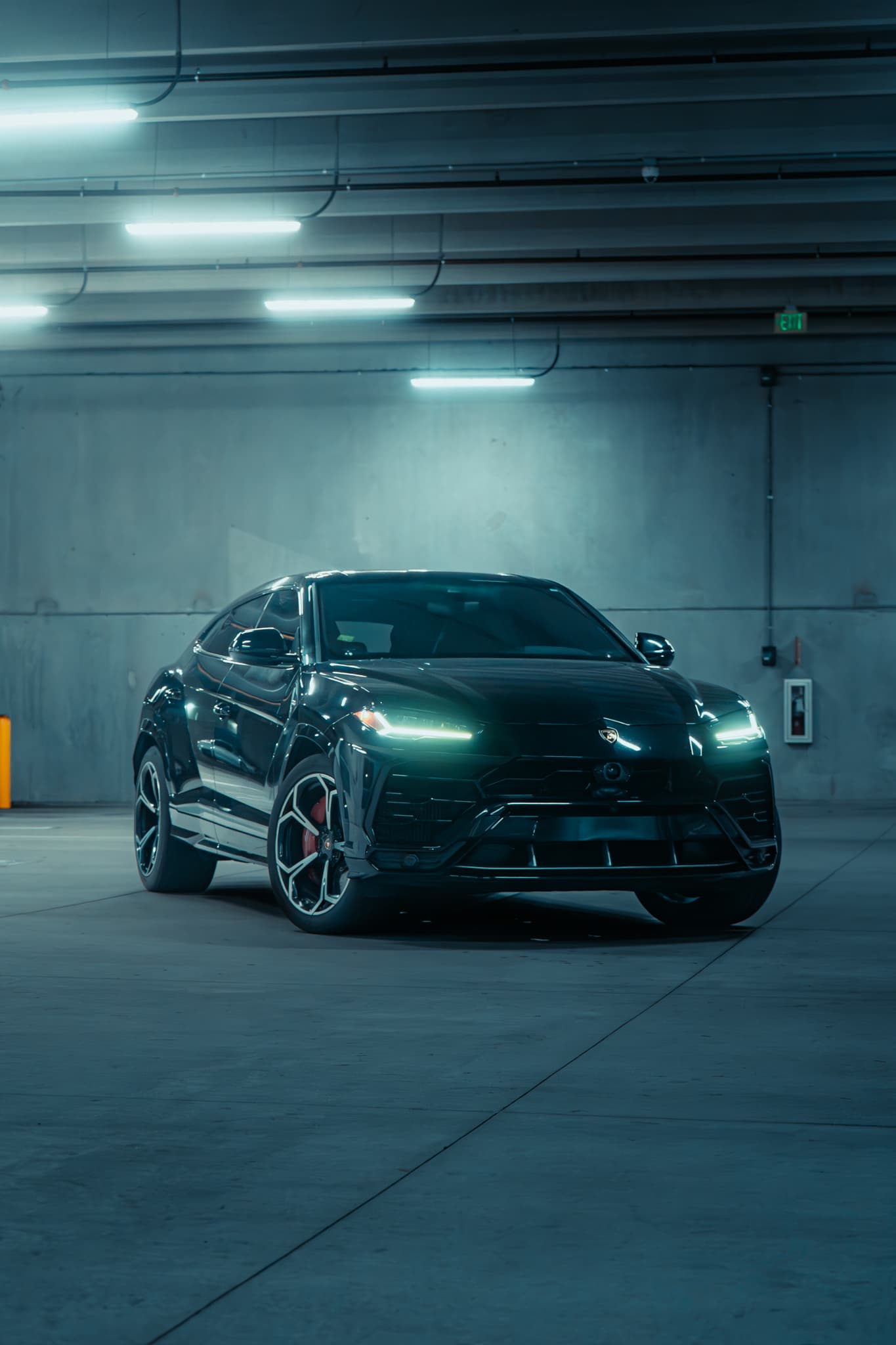
Arrive in something special
Supercars, luxury SUVs and sedans from local hosts who specialize in them. Some come with a video walkaround.






Three steps to the keys
No counter, no shuttle bus: you book a named local business and meet them for the keys.
Step 1: Find a car nearby
Search your city and dates. Every result names the local host and the daily price.

Step 2: Book it in minutes
Choose your dates, times and pick-up point, then pay online with the host’s own checkout.
Step 3: Pick up and drive
Pick up the car from your host at the pick-up point and time you chose.

Meet the hosts
Independent rental businesses. Every car on tiveo names its host, so you know who you’re renting from.
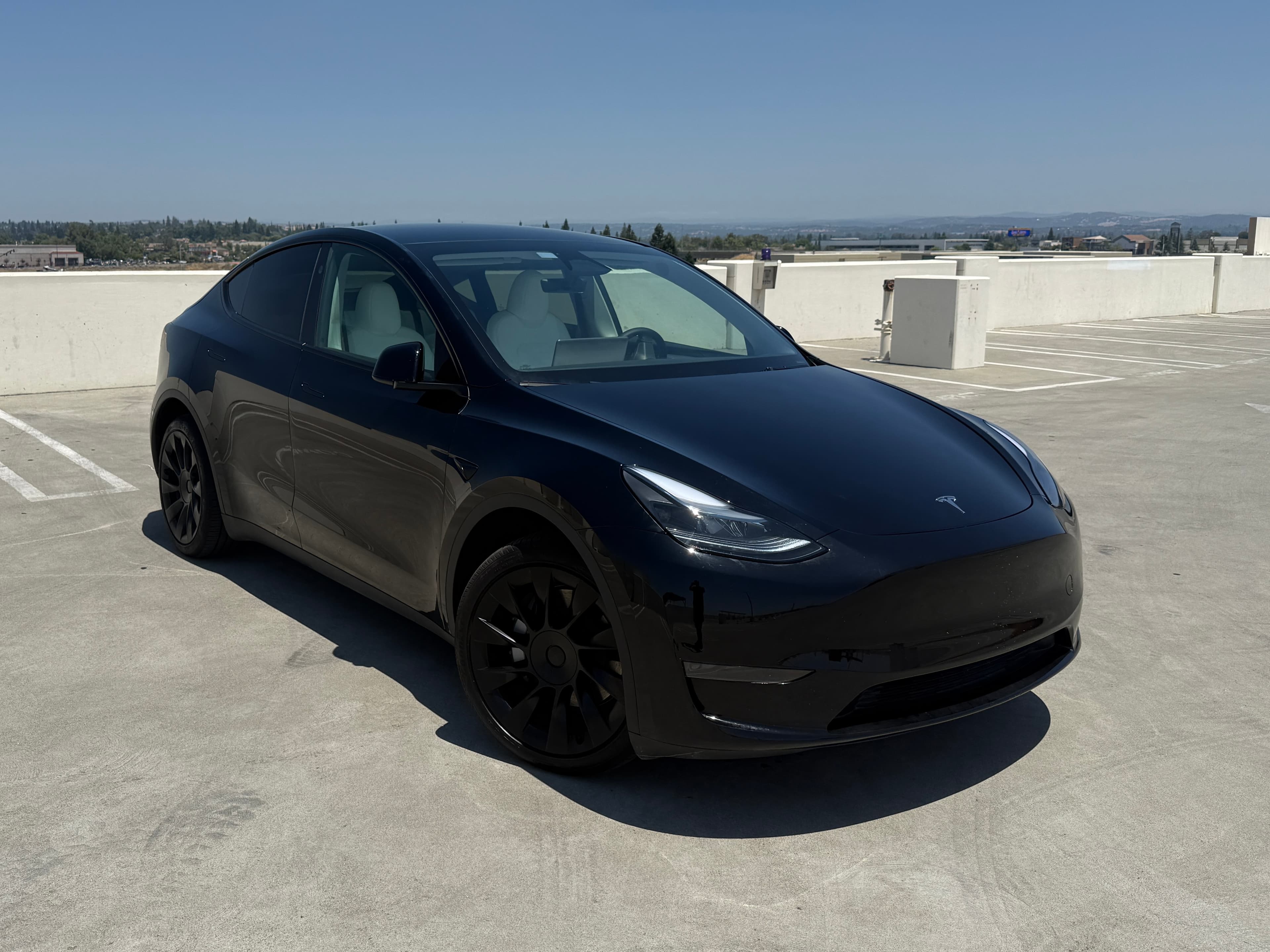


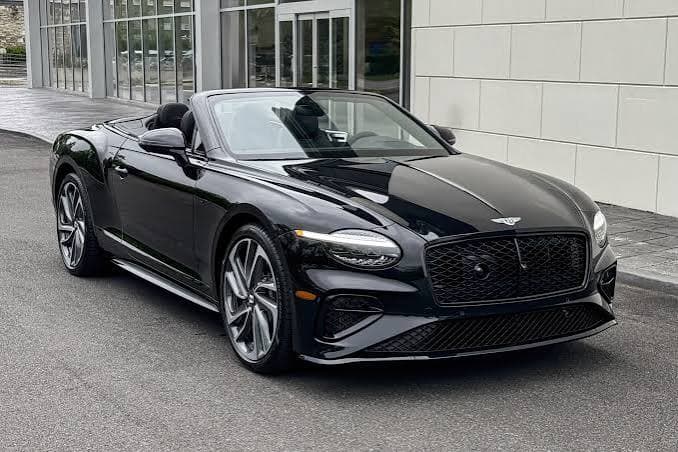

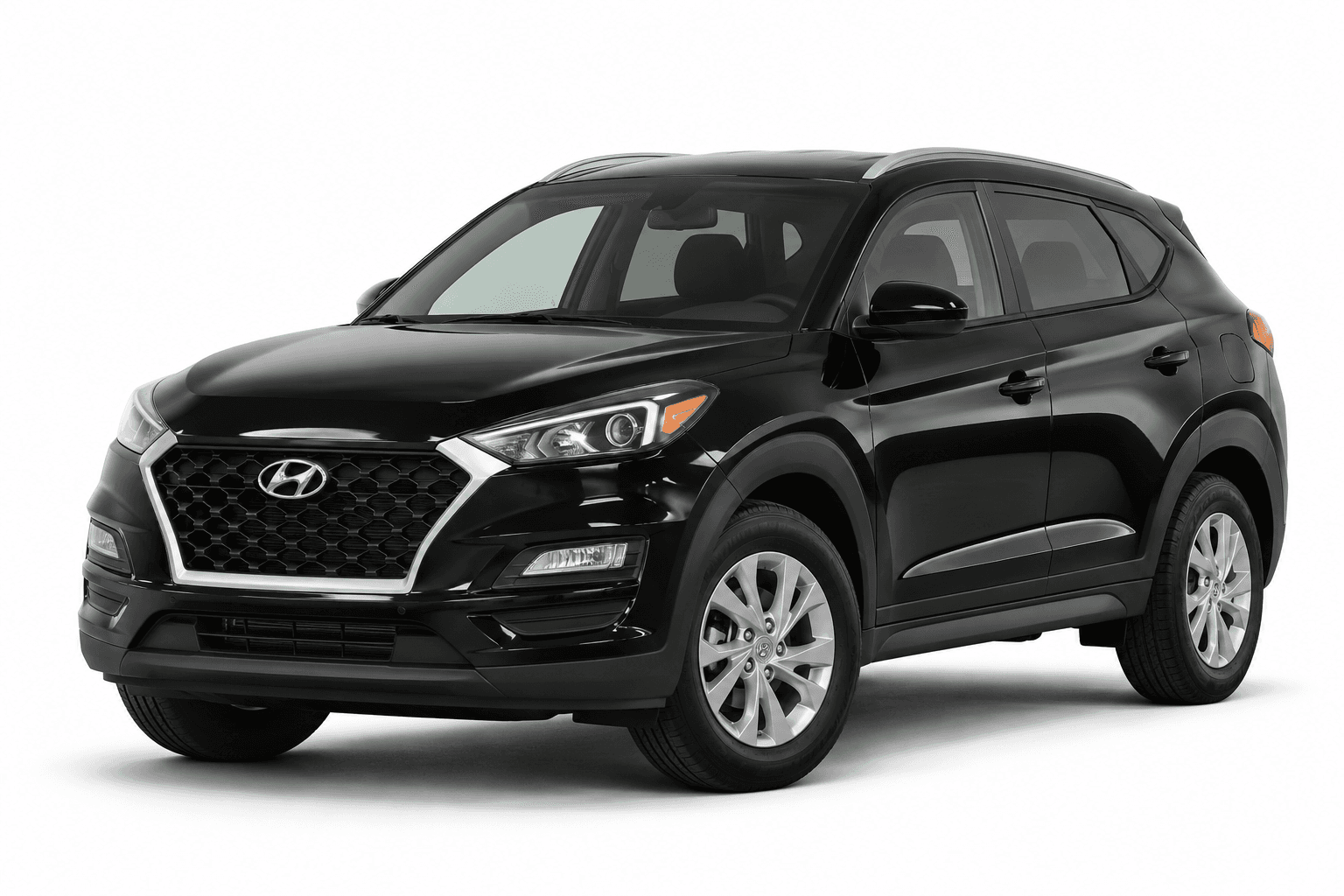



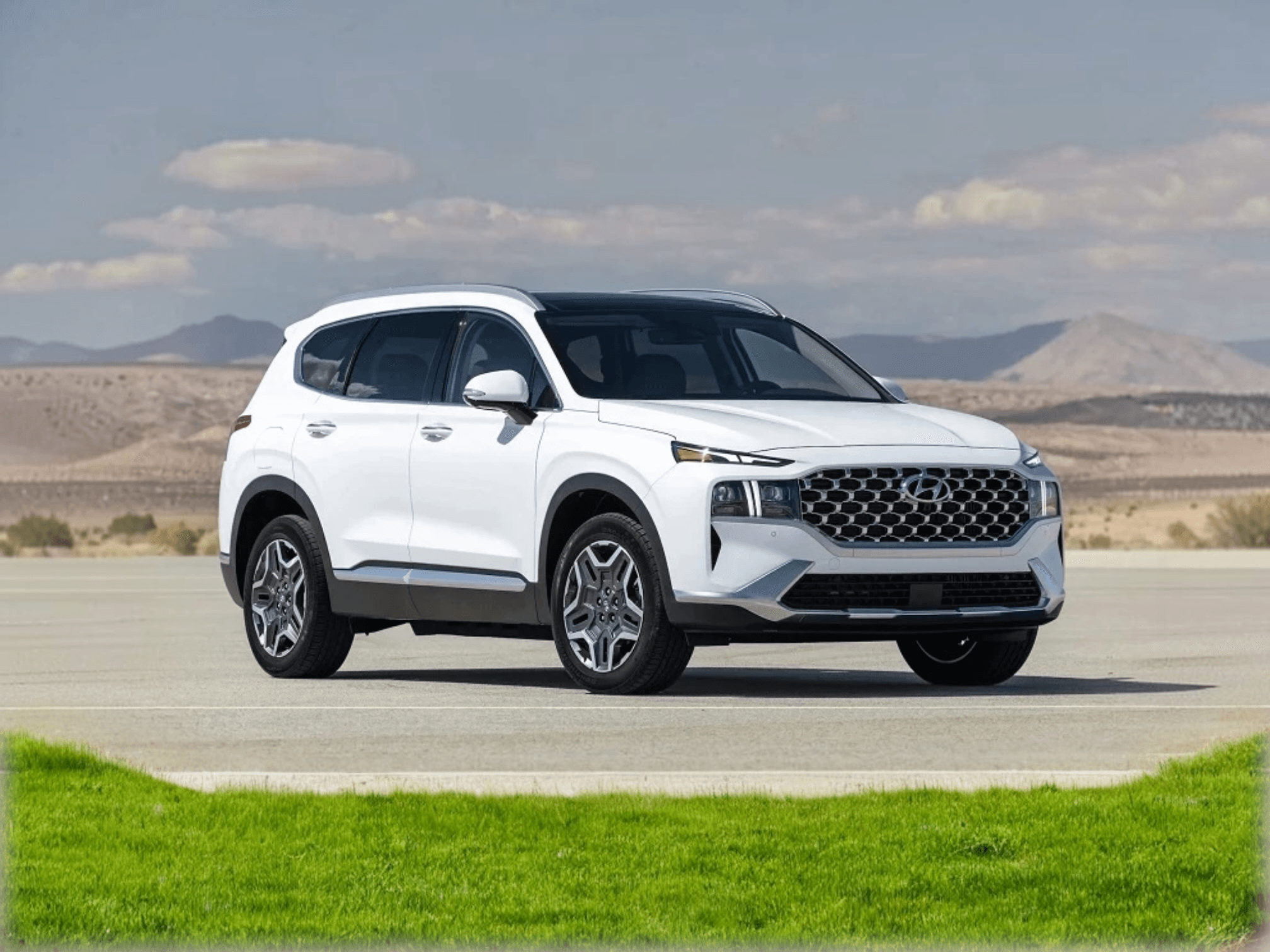

Cars near you
Every pick-up point on tiveo. Use your location to see the ones closest to you.
For rental businesses
Your cars, in front of renters near you
List your fleet on tiveo through 1Now. Renters see your name on every car and book with you directly.
Questions, answered
How booking a car from a local host works, from the search to the return.
Booking
What is tiveo?
A marketplace for renting cars from independent local rental businesses. Every car belongs to a named host, and you see who you are renting from before you book.
How is it different from a rental counter?
There is no counter or shuttle. You book a named local business, and from booking to drop-off you deal with that one host.
What do I need to book?
A valid driver’s license and a payment card. Some hosts ask for more, such as a minimum age or a deposit; you see both before you pay.
How old do I need to be?
Each host sets their own minimum age. When a host has set one, the car page shows it under the host’s rules.
How are prices set?
Each host sets their own daily price. Pick your dates on a car’s page to see the host’s price for that trip, with any fees and the deposit, before you continue.
Pick-up and return
Where do I pick the car up?
At one of the host’s pick-up points for that car, listed on its page with the address and opening hours. You choose one when you book.
Can I return the car somewhere else?
Yes, if the host takes cars back at more than one place. The booking page then lets you choose a different return point.
Can I rent for a week or a month?
Yes. Many hosts offer weekly and monthly rates. Choose “Weekly & monthly” when you pick your dates.
Which time zone are pick-up and return times in?
The host’s local time, the time where the car is. The times you can choose follow the pick-up point’s opening hours.
Changes and payments
Is there a deposit?
Some hosts take a security deposit. When they do, the car page and the booking page show the amount before you pay.
When do I pay?
When you book, through the host’s own checkout. Some hosts let you pay later; their cars say so.
Can I change or cancel my booking?
Yes. Open your trip from Manage booking in the browser you booked in, or from its tiveo link, to change your dates or cancel. The host’s cancellation policy applies, and every car page shows it.